

Integration with Klaviyo
To export to Klaviyo, you need to create an API key. Go to User/Settings/Account/API keys:
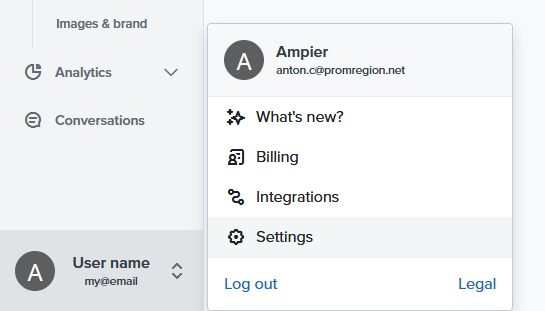
Click Create Private API key, specify a name for the key, such as Pixcraft export.
Important: grant full access to templates (Templates: Full Access).
Click Create.
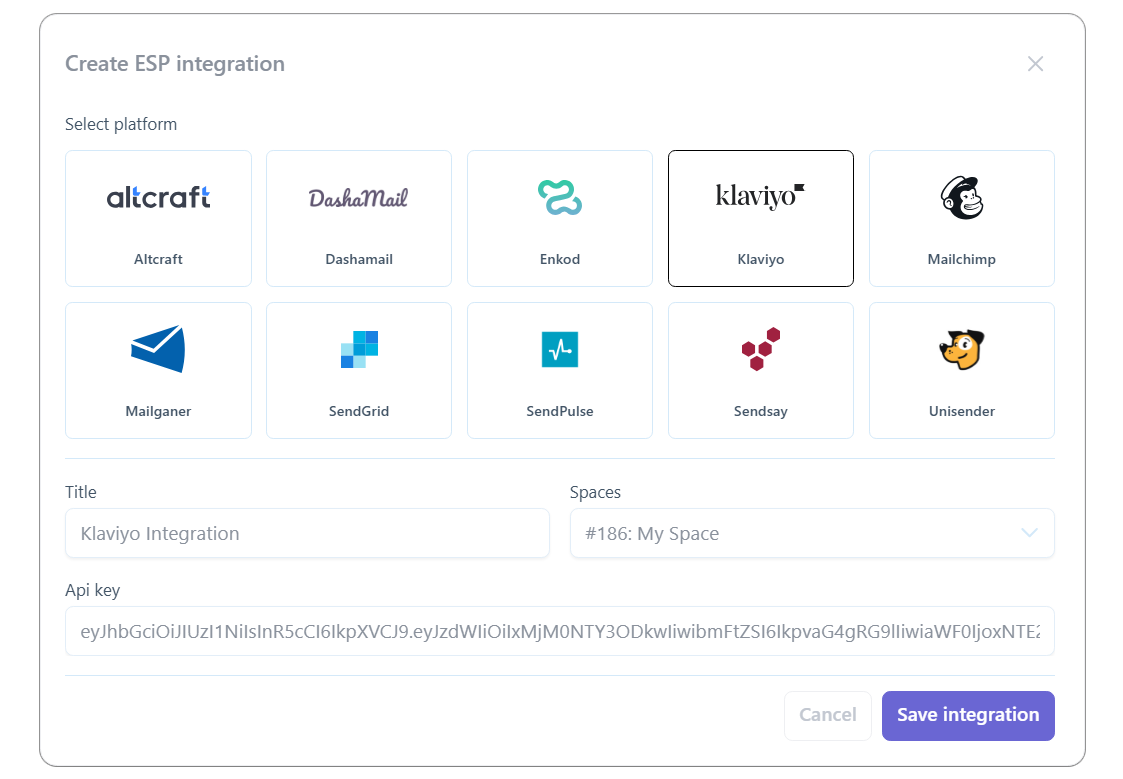
Copy the API key and provide it when adding the integration in Pixcraft:
After adding the integration, select it from the list and click Export. The browser will open the exported email in the Klaviyo interface.