

Spaces
A space is a workspace that stores email templates, AMP components, assets, and integration settings. One account can have multiple spaces; the number depends on your pricing plan.
Creating a space
In the Spaces menu, click + New space.
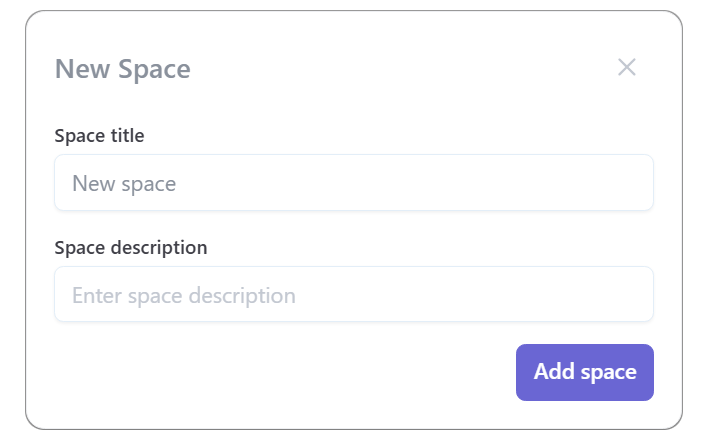
Enter the Space title and Space description, then click Add space.
The created space will appear in the list.
Switching between spaces
To switch between spaces, select the desired space in the sidebar menu or in the Spaces menu — click on the space name.
Inviting users
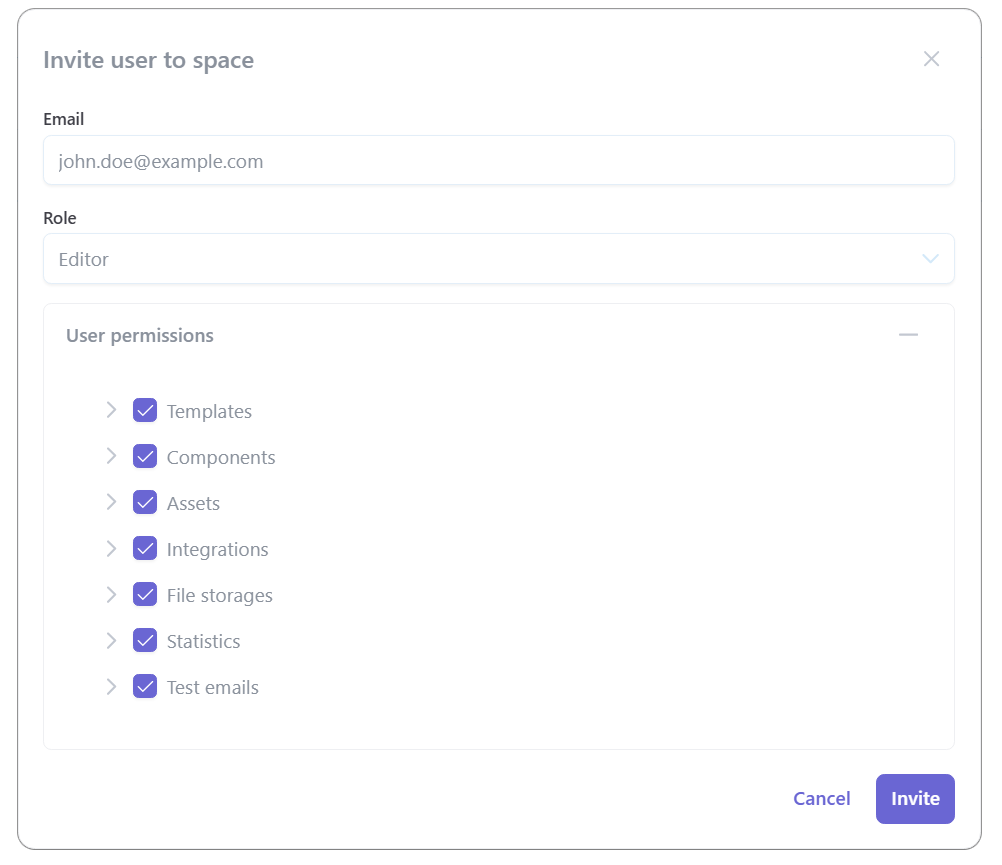
You can invite other users to a space. To do so, specify the invitee's email and choose a role.
The invited user will receive a notification with an invitation to join the space. The notification displays:
- Space name;
- Space owner;
- Assigned role;
- List of participants;
- Space creation date.
The user can accept the invitation or decline it.
Space owner
The space owner is the person who created the space. The owner has full rights and manages space participants.
The plan owner is the person who paid for the subscription. Limits on templates and exports are tied to the plan owner's account. Invited users do not have their own limits.
Roles
When inviting a user, you can choose one of the preset roles or configure a custom set of permissions.
Permissions description
| Permission | Description |
|---|---|
| View | Allows viewing entities in the section |
| Edit | Allows creating and modifying entities |
| Export | Allows exporting entities |
| Delete | Allows deleting entities |
| Moderate | Allows managing comment publication in the live feed |
| Send | Allows sending test emails |
Custom set
You can configure an individual combination of permissions for a user. When any settings of a chosen preset are changed, the role will automatically switch to Custom set.