

Integration with SendGrid
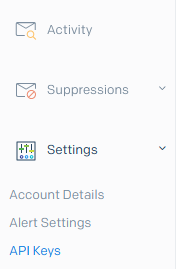
To export to SendGrid, you need to create an API key. Go to Settings/API Keys/Create API key:
Enter the name for the new key, for example, Pixcraft export. You can grant full access (Full Access) or only for Template Engine. After that, click Create and View.
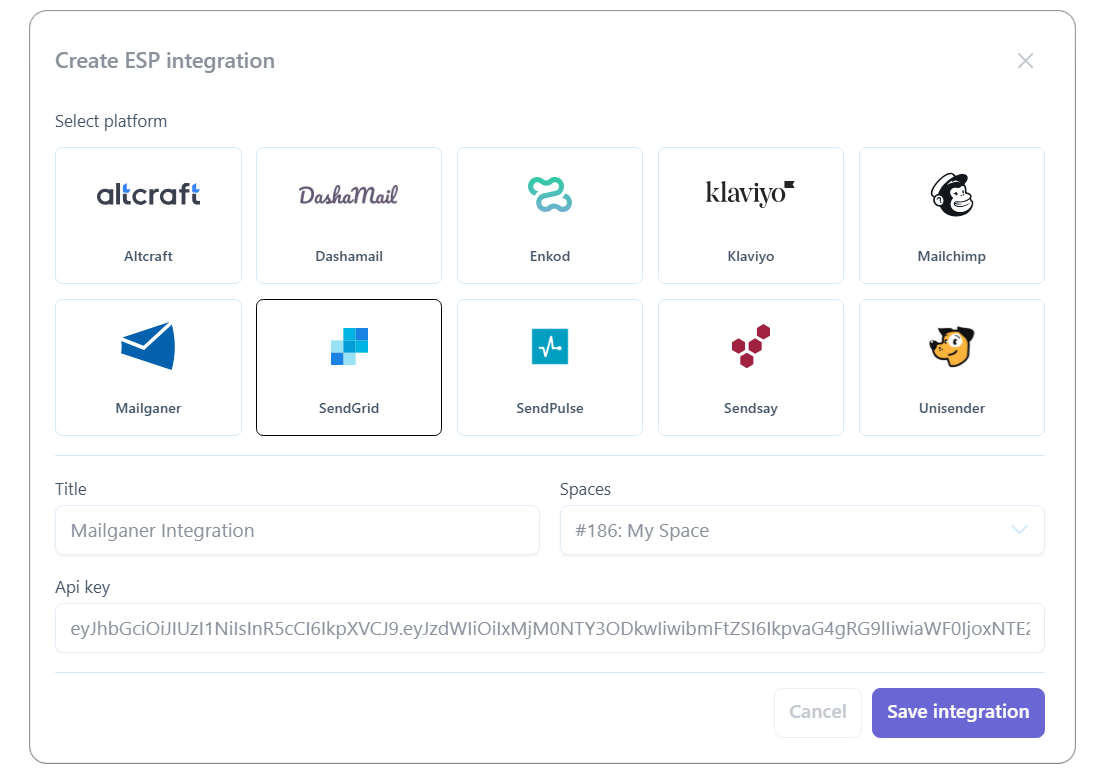
Copy the generated API key and specify it when adding the integration in Pixcraft:
After adding the integration, select it from the list and click Export. The browser will open the exported email in the SendGrid interface.