

Profile menu
In the upper right corner of the interface, there is a profile icon. Clicking it opens a dropdown menu:
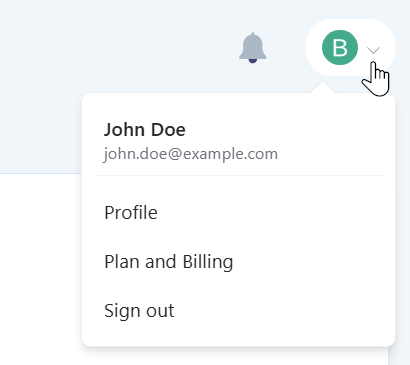
- Profile — account settings;
- Plan and Billing — information about the current pricing plan and limit usage;
- Sign out — exit the account.
Profile settings
In the Profile section, you can configure the following settings:
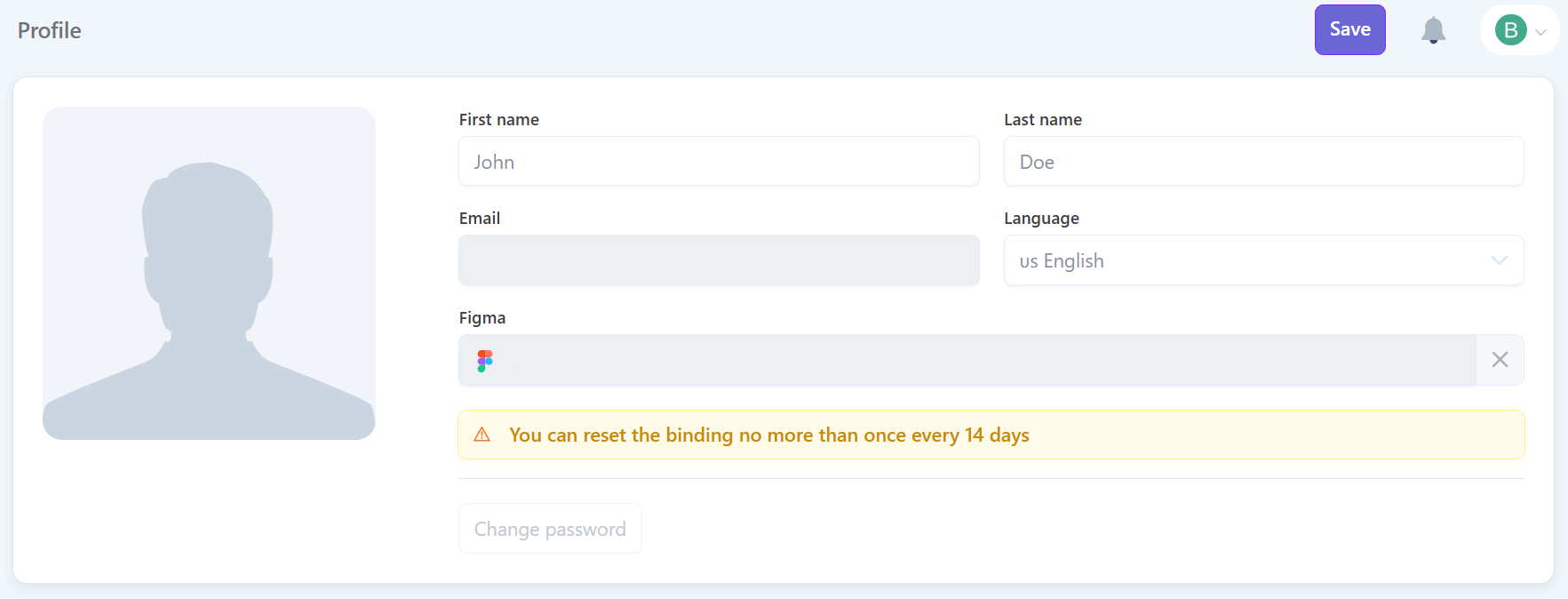
- First name — user's displayed first name;
- Last name — user's displayed last name;
- Interface language — the language in which the Pixcraft interface is displayed;
- Change password — change the account password.
Figma account linking
When working with the Pixcraft plugin in Figma, the account is linked automatically upon the first login through the plugin. In the Profile section, you can reset the link if you need to connect a different Figma account.